
纹理包覆
要用单一纹理包覆物体,将面临每个顶点有不同纹理坐标的情况。但是对于和模型对应的纹理不会有这方面问题。
但是这里只能用单一纹理所以不能使用EBO。
深度测试
不需要自己写,使用glEnable(GL_DEPTH_TEST)和在renderloop中同时清理帧缓冲和深度缓冲即可。
glClear(GL_DEPTH_BUFFER_BIT|GL_COLOR_BUFFER_BIT);
阵列
glBindVertexArray(VAO);
glm::mat4 model = glm::mat4(1.0f);
model = glm::rotate(model, glm::radians(30.0f), glm::vec3(1.0f, 0.0f, 0.0f));
model = glm::rotate(model, glm::radians(30.0f), glm::vec3(0.0f, 1.0f, 0.0f));
for (int x = -1; x <= 1; ++x){
    for (int y = -1; y <= 1; ++y)
    {
        auto tmodel = glm::translate(glm::mat4(1.0f), glm::vec3(x * 2.0f, y * 2.0f, 0.0f));
        glm::mat4 view = glm::mat4(1.0f);
        view = glm::translate(view, glm::vec3(0.0f, 0.0f, -10.0f));
        glm::mat4 projection = glm::mat4(1.0f);
        projection = glm::perspective(glm::radians(45.0f), (float)cwindow.width / cwindow.height, 0.1f, 100.0f);
        shader.setInt("texture0", 0);
        shader.setInt("texture1", 1);
        //shader.setMat4("transform", glm::value_ptr(transform));
        shader.setMat4("model", glm::value_ptr(tmodel));
        shader.setMat4("view", glm::value_ptr(view));
        shader.setMat4("projection", glm::value_ptr(projection));
        //glDrawElements(GL_TRIANGLES, sizeof(indices) / sizeof(float), GL_UNSIGNED_INT, 0);
        glDrawArrays(GL_TRIANGLES, 0, 36);
    }
}
当把render loop写成这个顺序时,可以明显发现构建物体阵列的方法:
对于每个物体到参考物体的变换,得到变换矩阵后,传入uniform并绘制,使用循环结构。
变换顺序
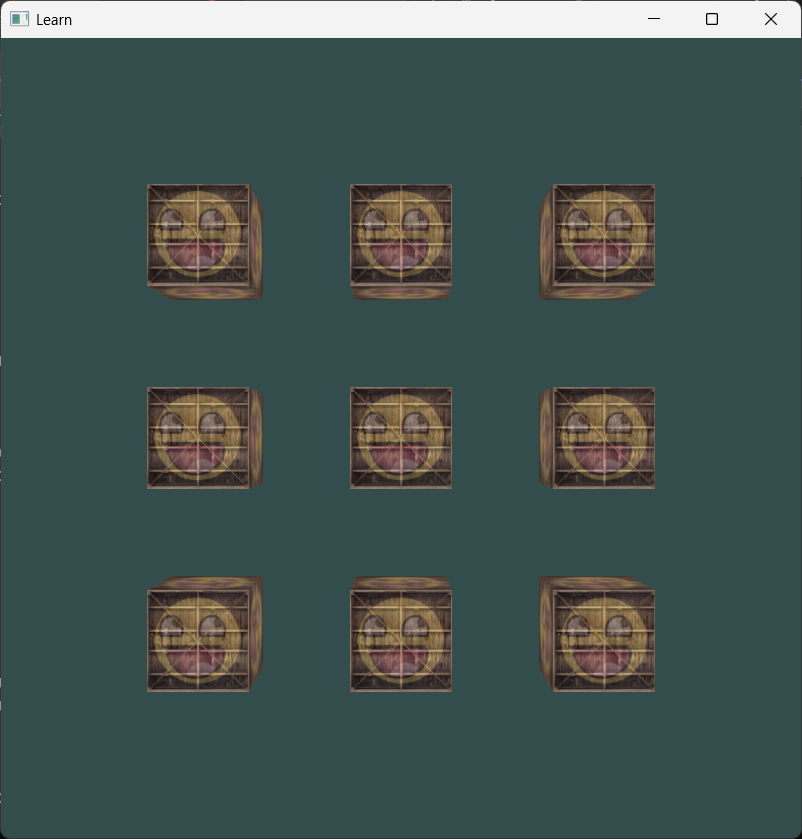
这是只平移了的用做参考。
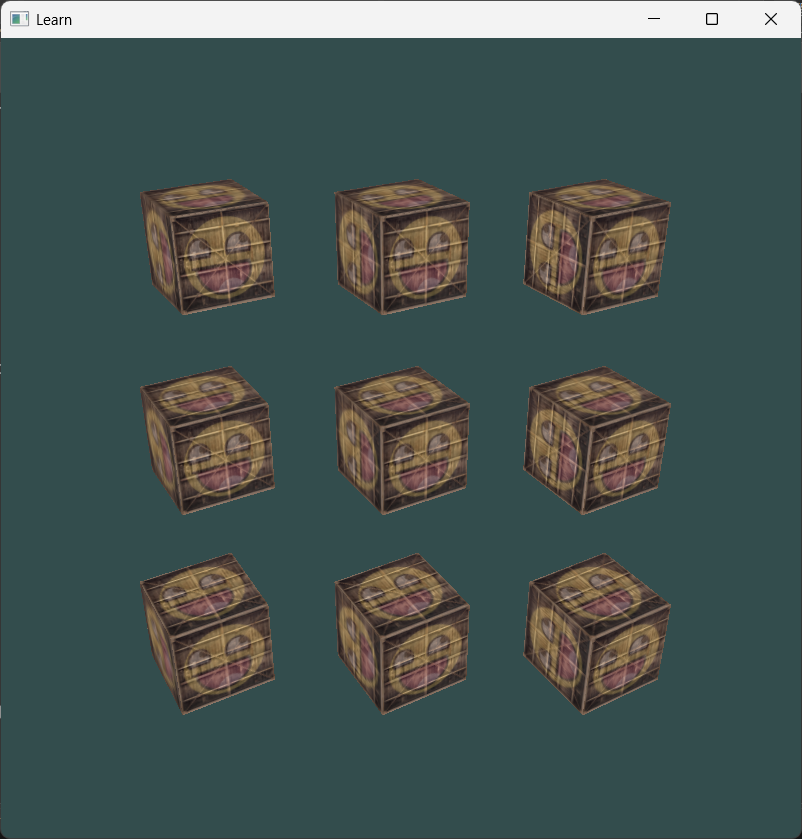
这是先转再平移
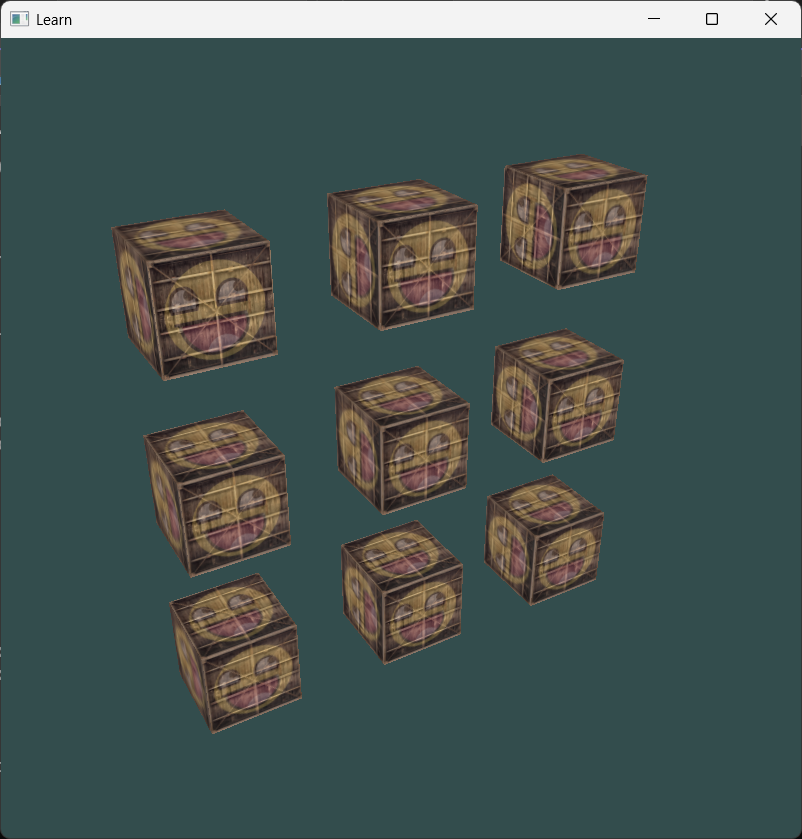
这是先平移再转。
(接下来要扩展processInput的功能了)
comment 评论区
star_outline 咱快来抢个沙发吧!